

Blending with Paint Shop Pro
What is Blending? Well Blending is a effect that blends in 2 images in one whole image,like this:
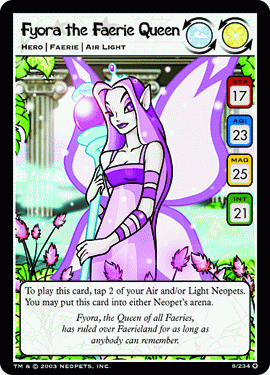
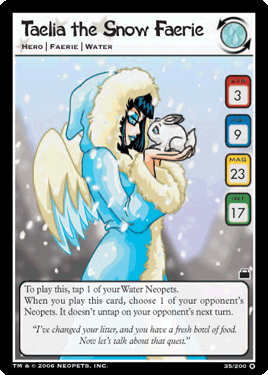
After:

You will need Paint Shop Pro
The Effect
Get the tealia image and paste as new layer,arrange them like i did ---the Taelia image on the right.
You will see a black line from the TCG card,erase it with the rubber which looks like a end of a pencil with a rubber
on top.
Start erasing the black line,when you have done paste the fyora image as a new layer and move it on the Left.
Use the rubber tool again and rub between the two images(if you do it in a straight line it won't look good!)
Not too much otherwise it won't look good too.
Voila!
You have blended two images!!!!
Labels: blending, paint shop pro, tutorial
posted by Del @ 6:21 PM

0 Comments:
Post a Comment
Subscribe to Post Comments [Atom]
<< Home